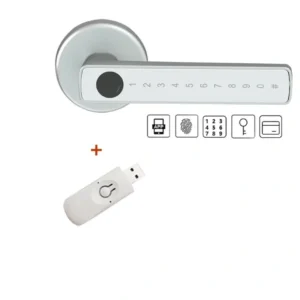
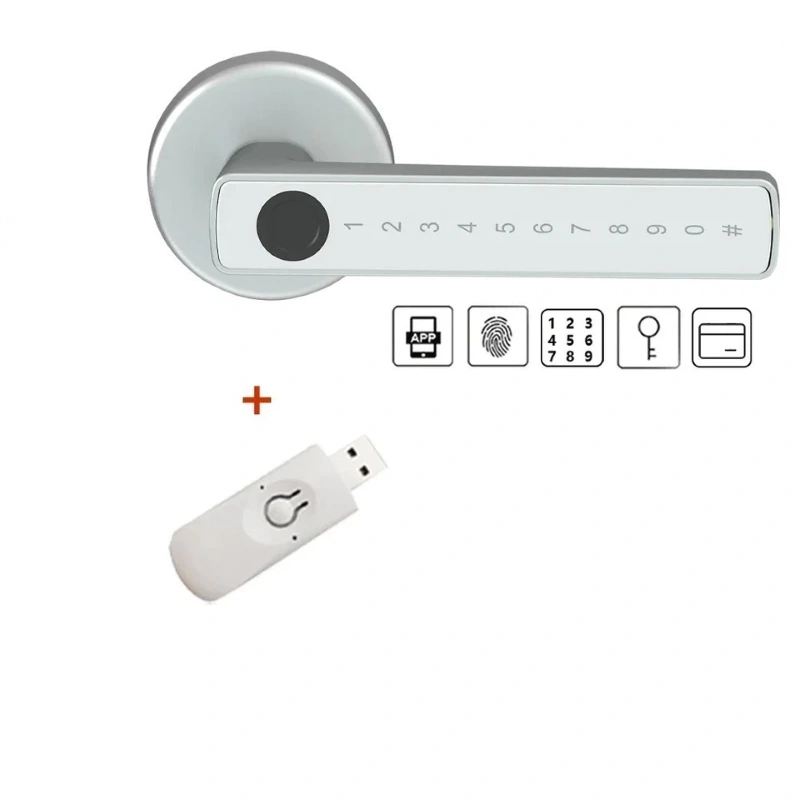
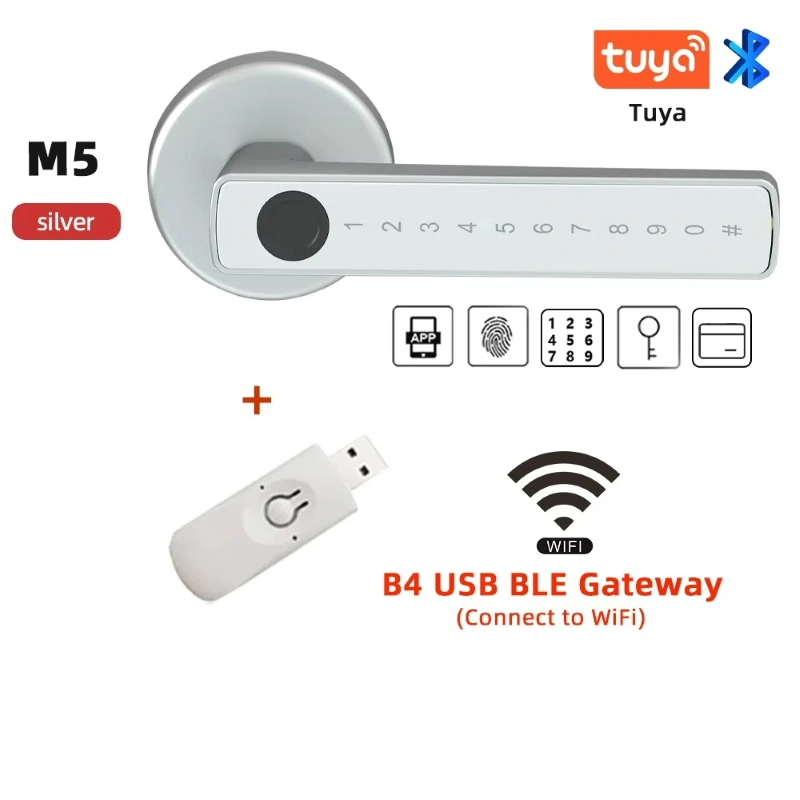
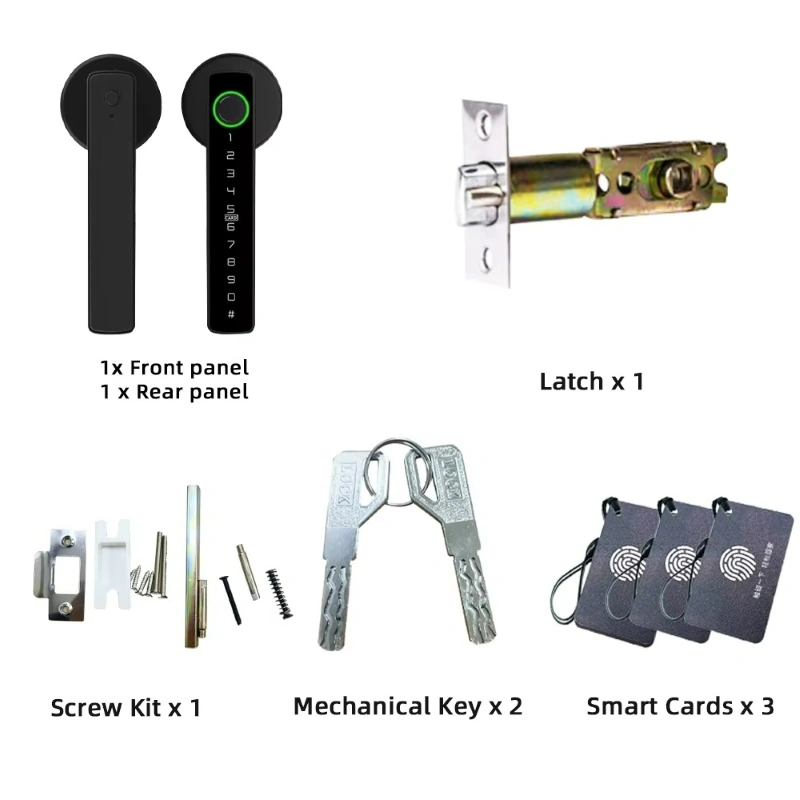
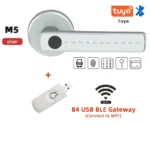
Smart Fingerprint Door Lock (M5-S) + Wi-Fi Gateway
Secure your door with a Tuya-powered smart handle: ultra-fast fingerprint, remote temporary PINs, IC cards,
backup keys, access logs and family sharing. Simple swap-in install for a standard handle/latch set.

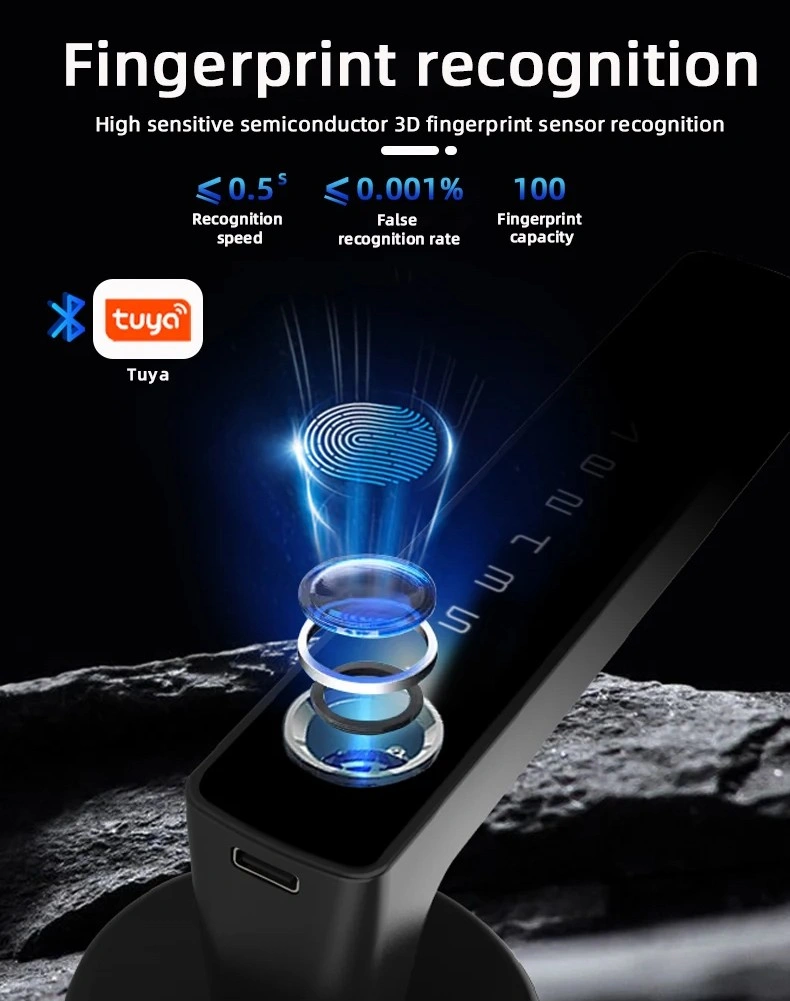
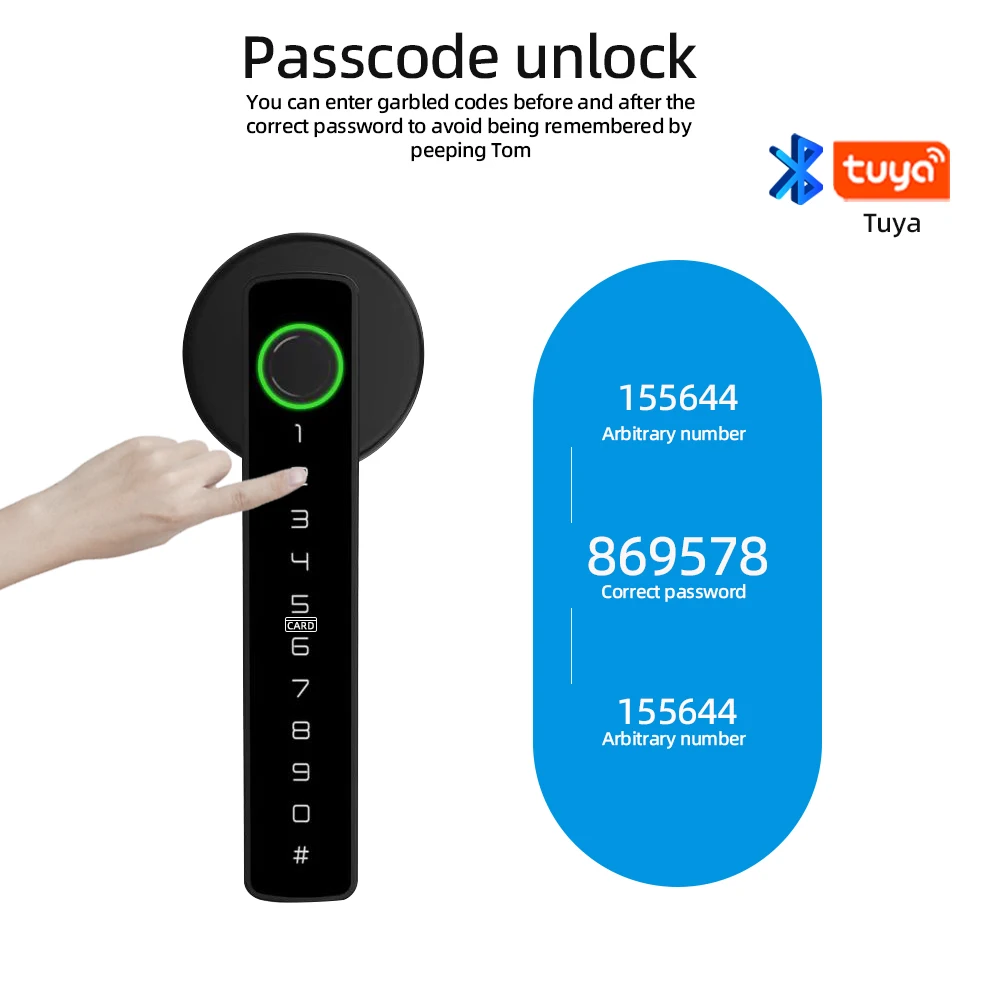
- Multiple unlock methods — Fingerprint (<0.5 s), 6–8 digit PIN (anti-peep), IC card, mechanical key, Tuya app.
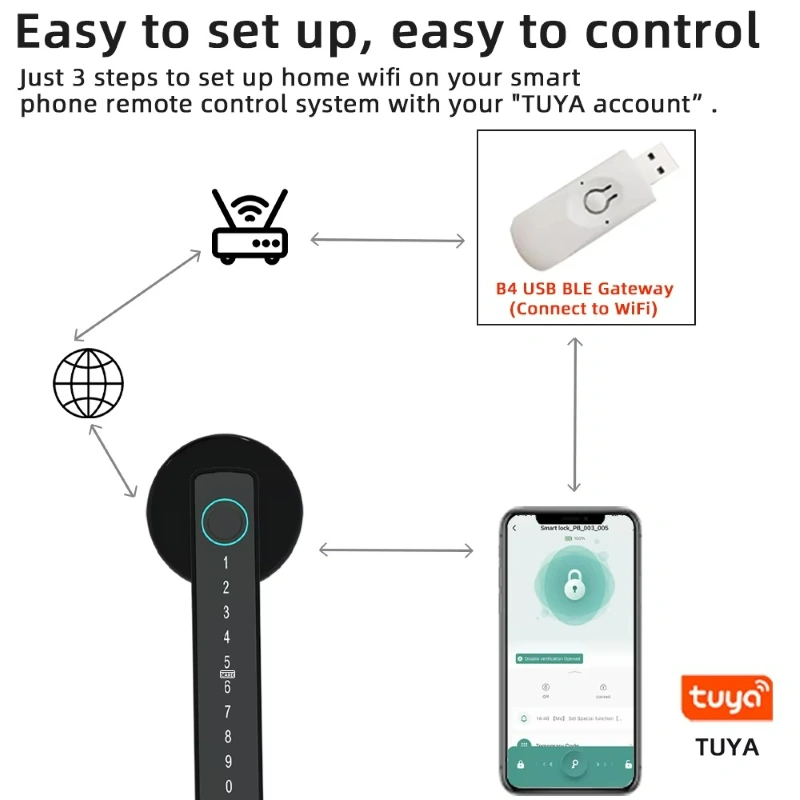
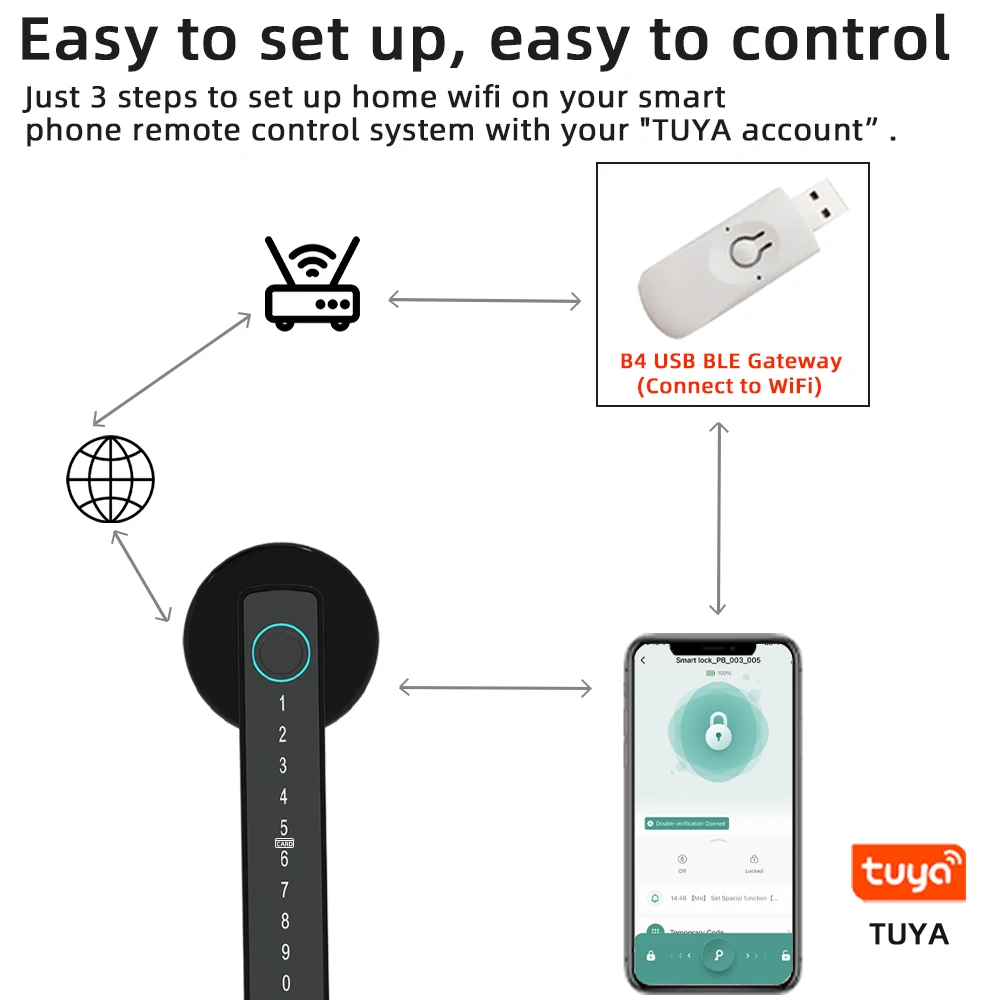
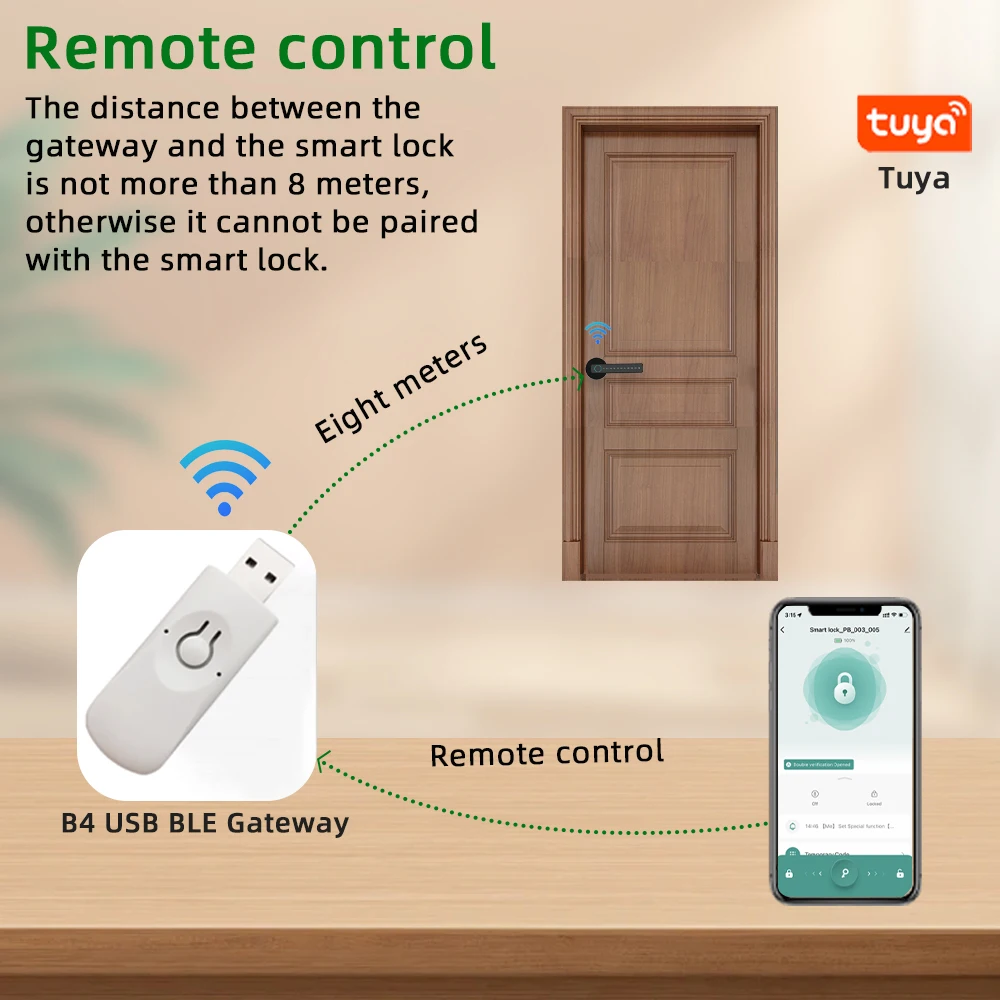
- Remote control — BLE→Wi-Fi gateway included for e-keys, logs and remote commands.
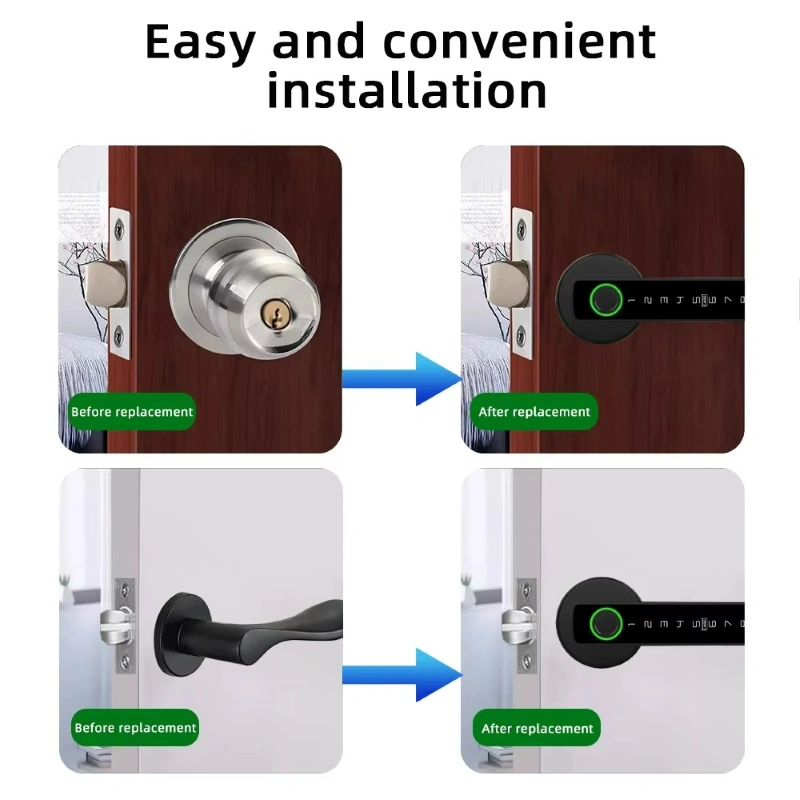
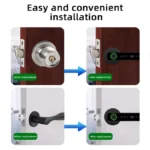
- Easy install — Replaces your existing handle and latch (60/70 mm); reversible left/right.
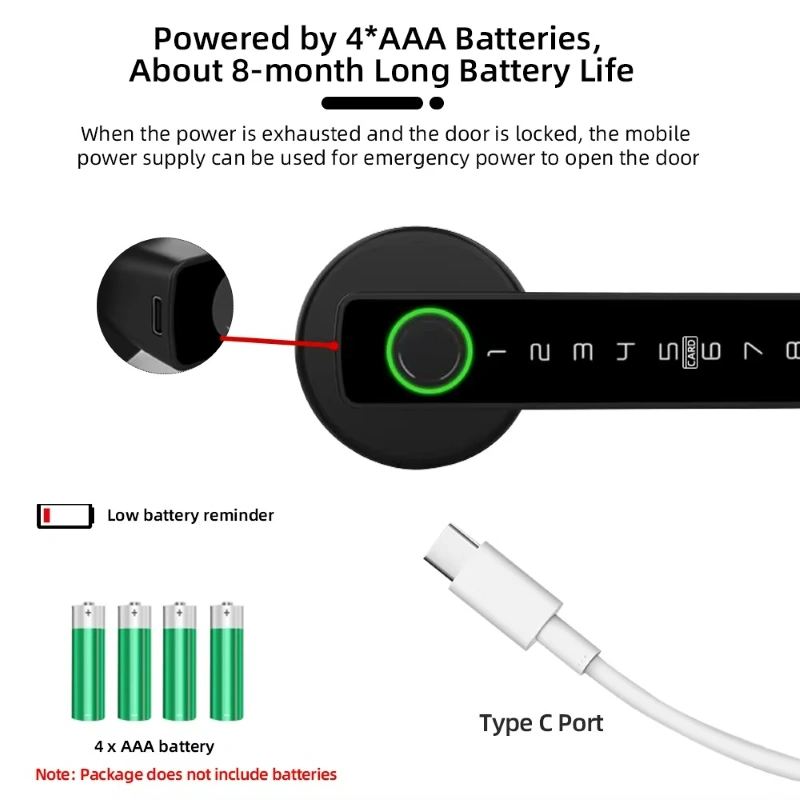
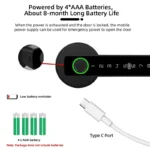
- Reliable power — 4×AAA (not included) + low-battery alert + USB-C emergency.
- Materials — Zinc-alloy body, touch panel, sleek black finish for homes, offices and short-lets.
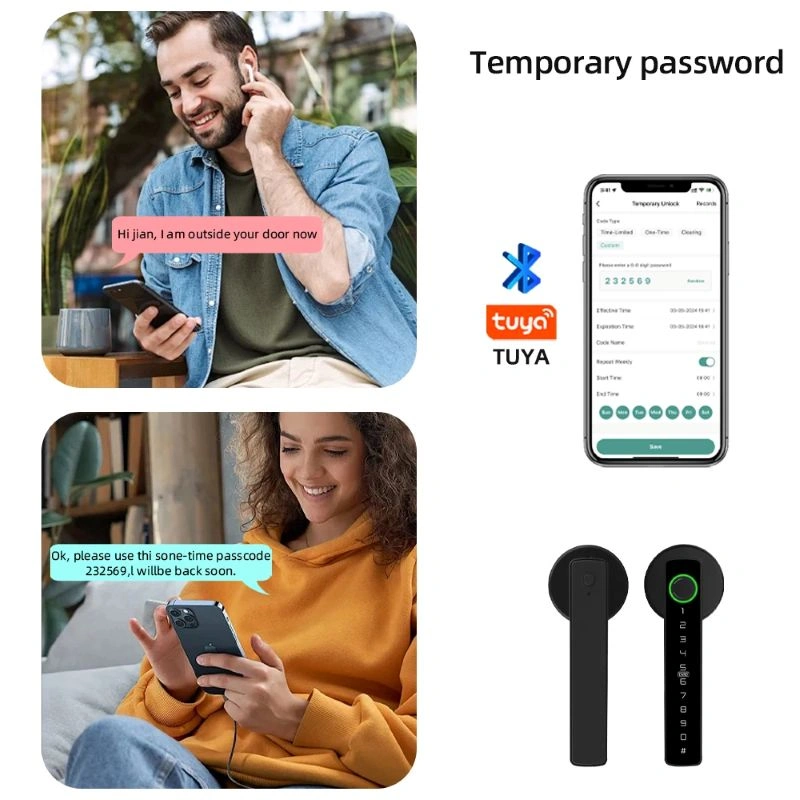
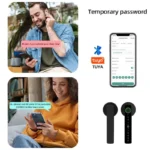
Remote control & Temporary codes (Tuya + Gateway)
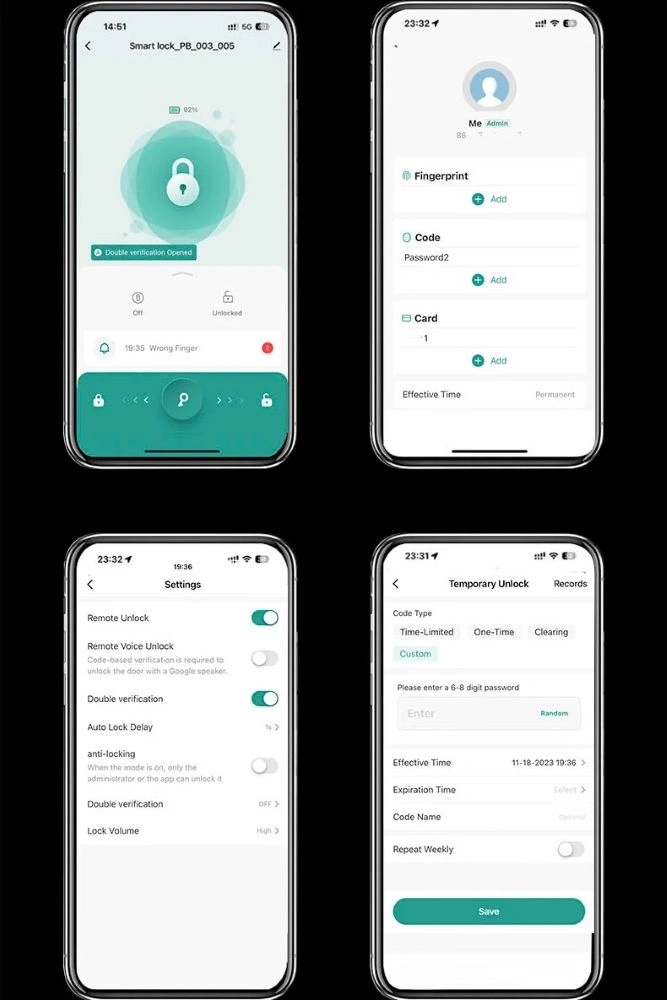
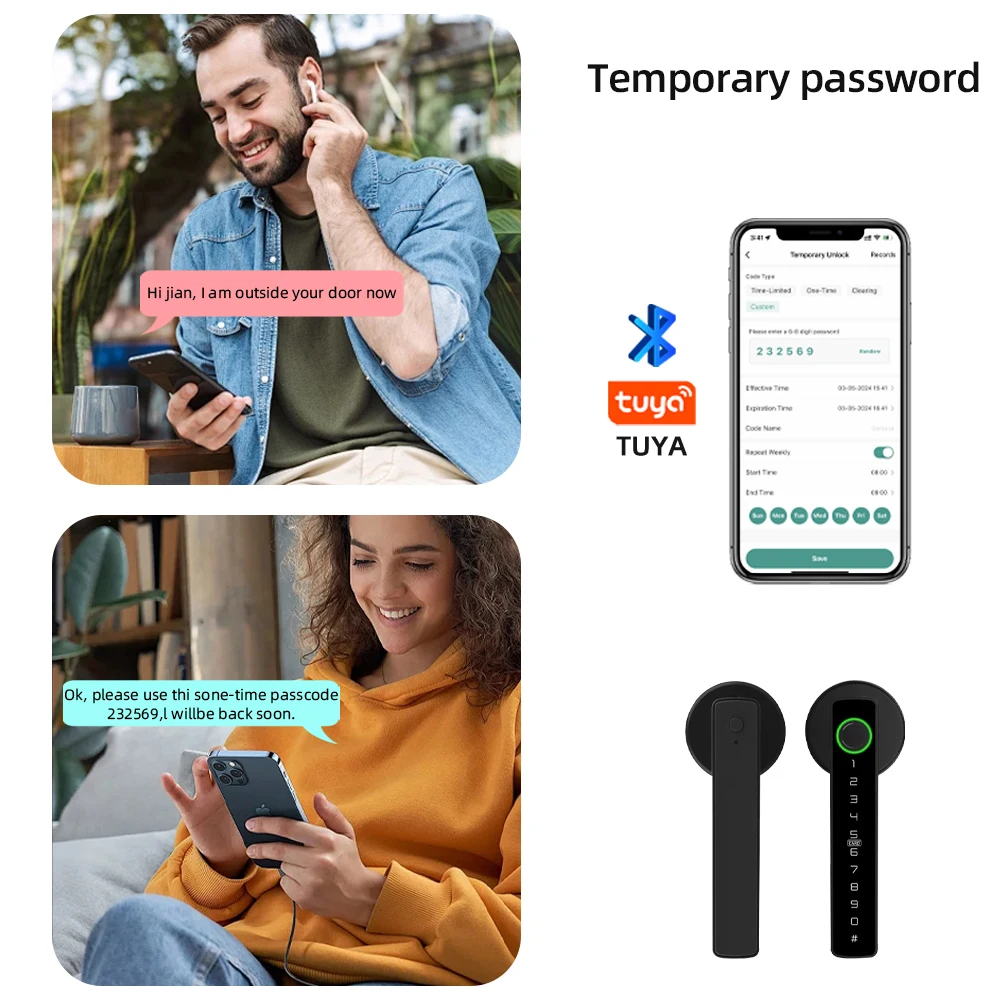
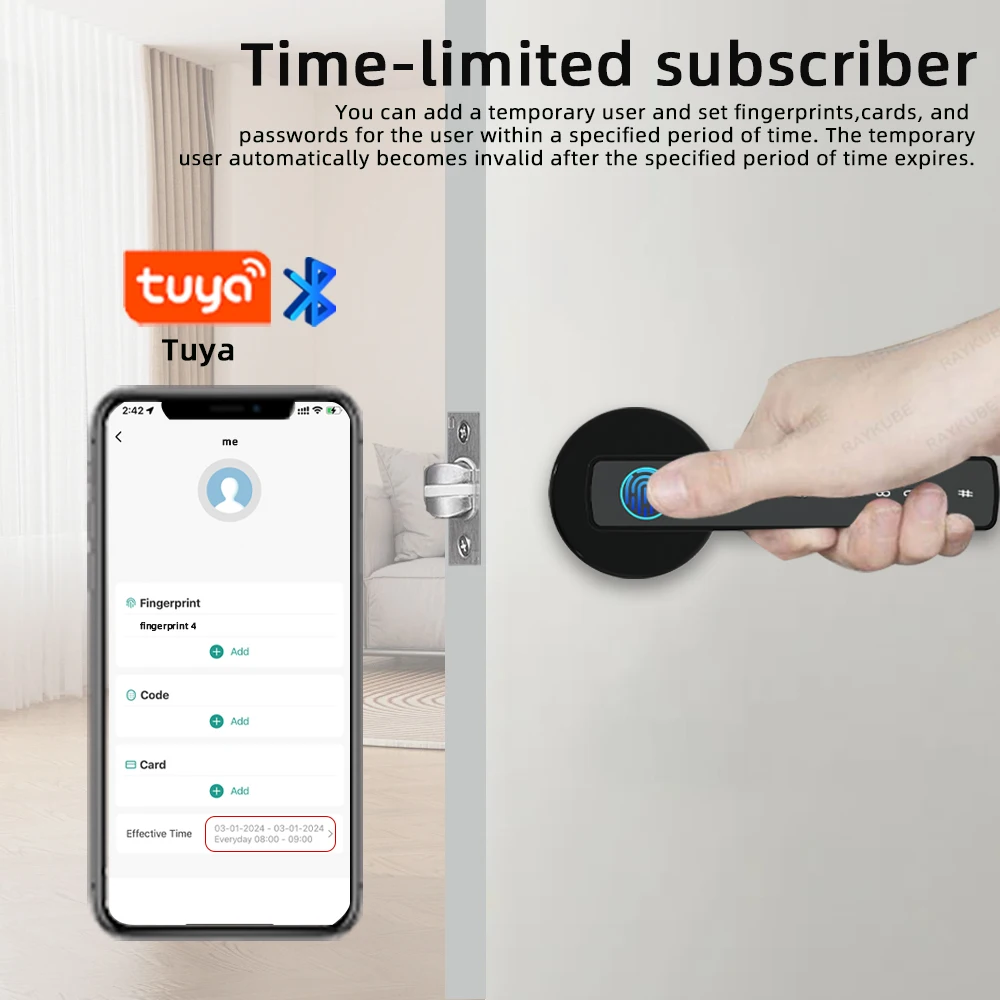
5 ways to unlock
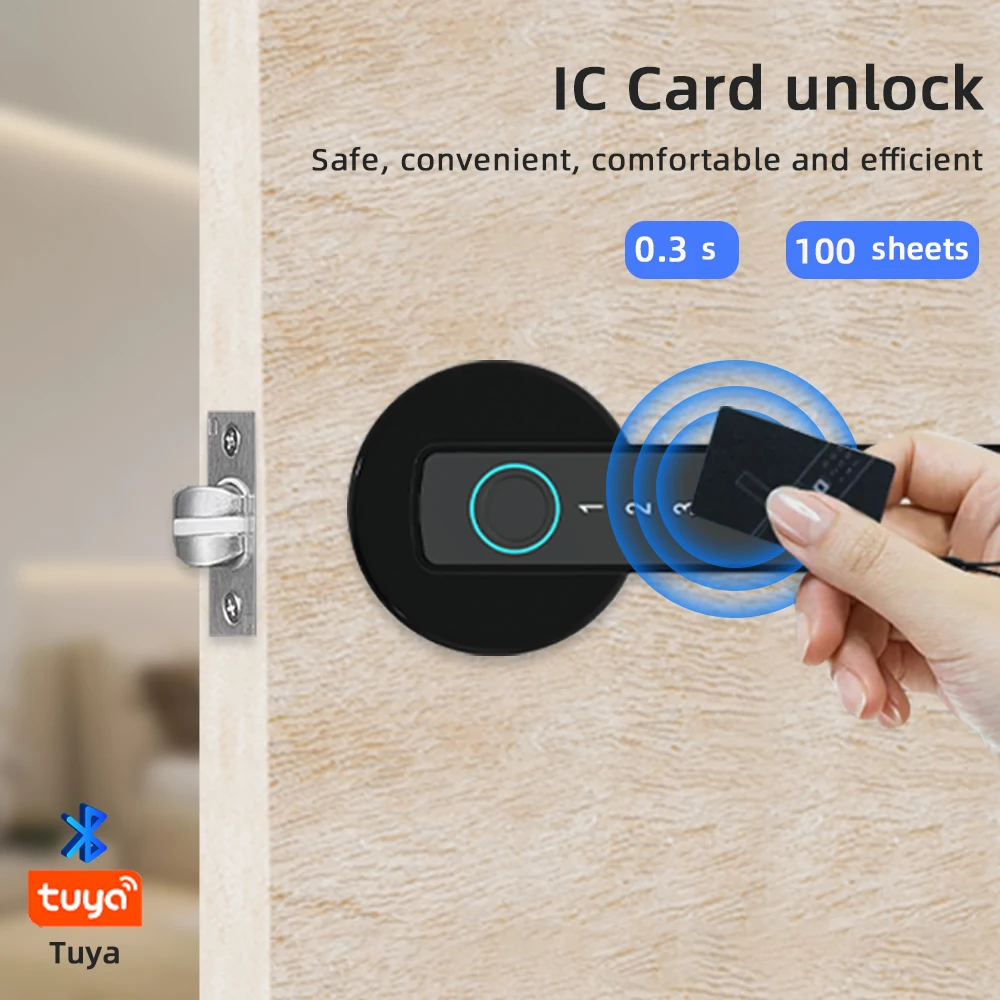
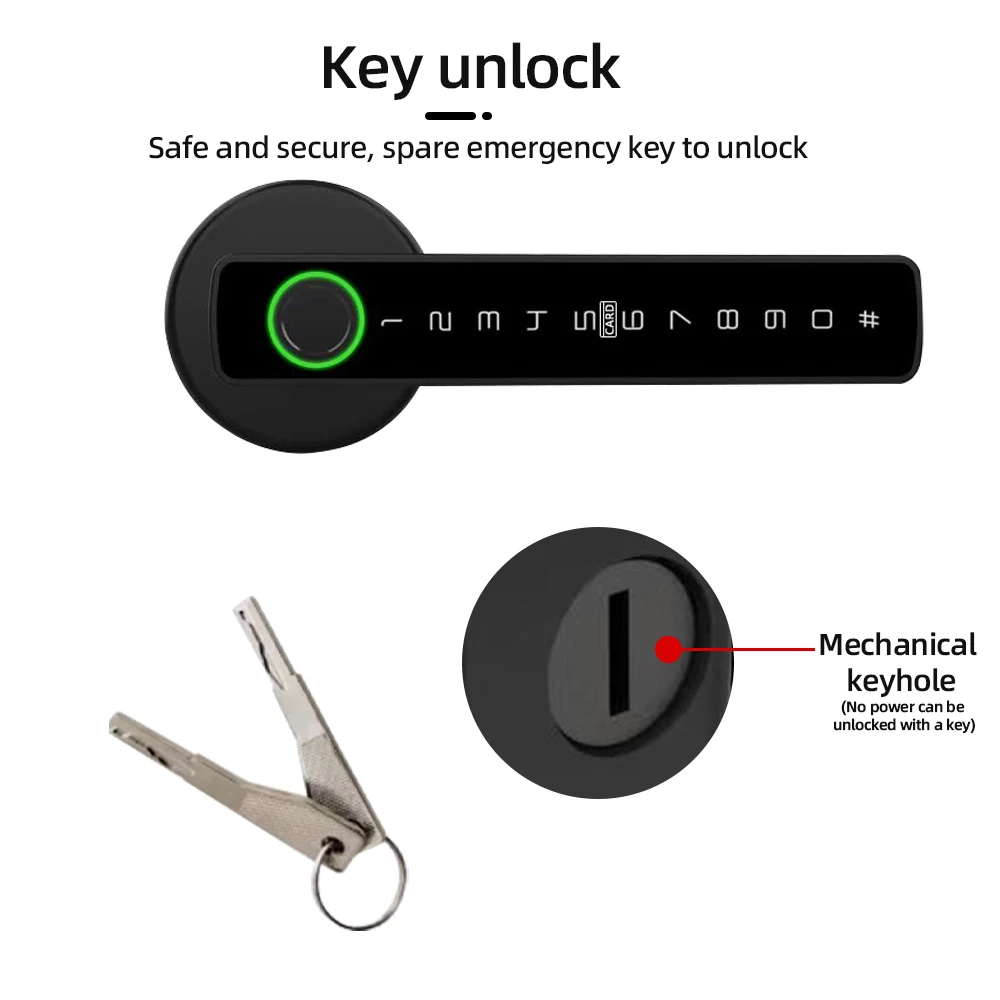

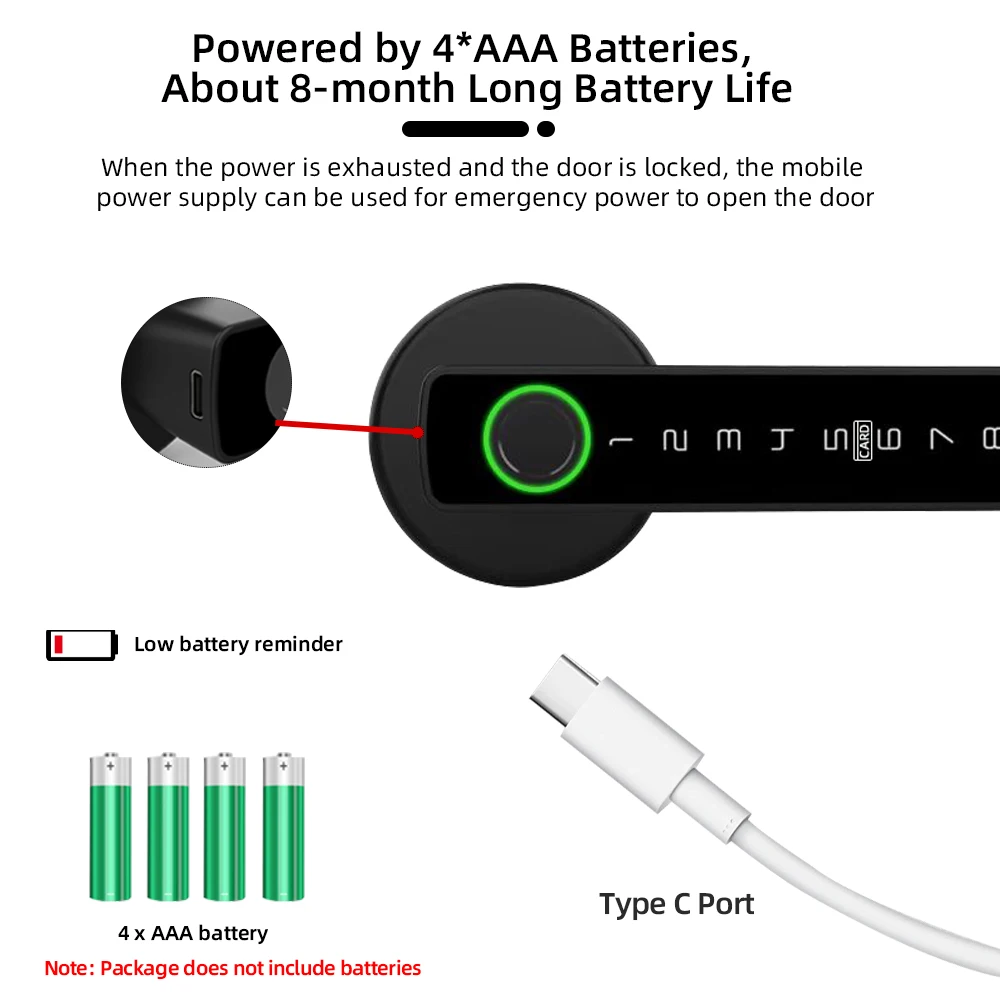
Runs on 4×AAA (not included). Low-battery alert plus USB-C emergency power if the door is locked when batteries are flat.
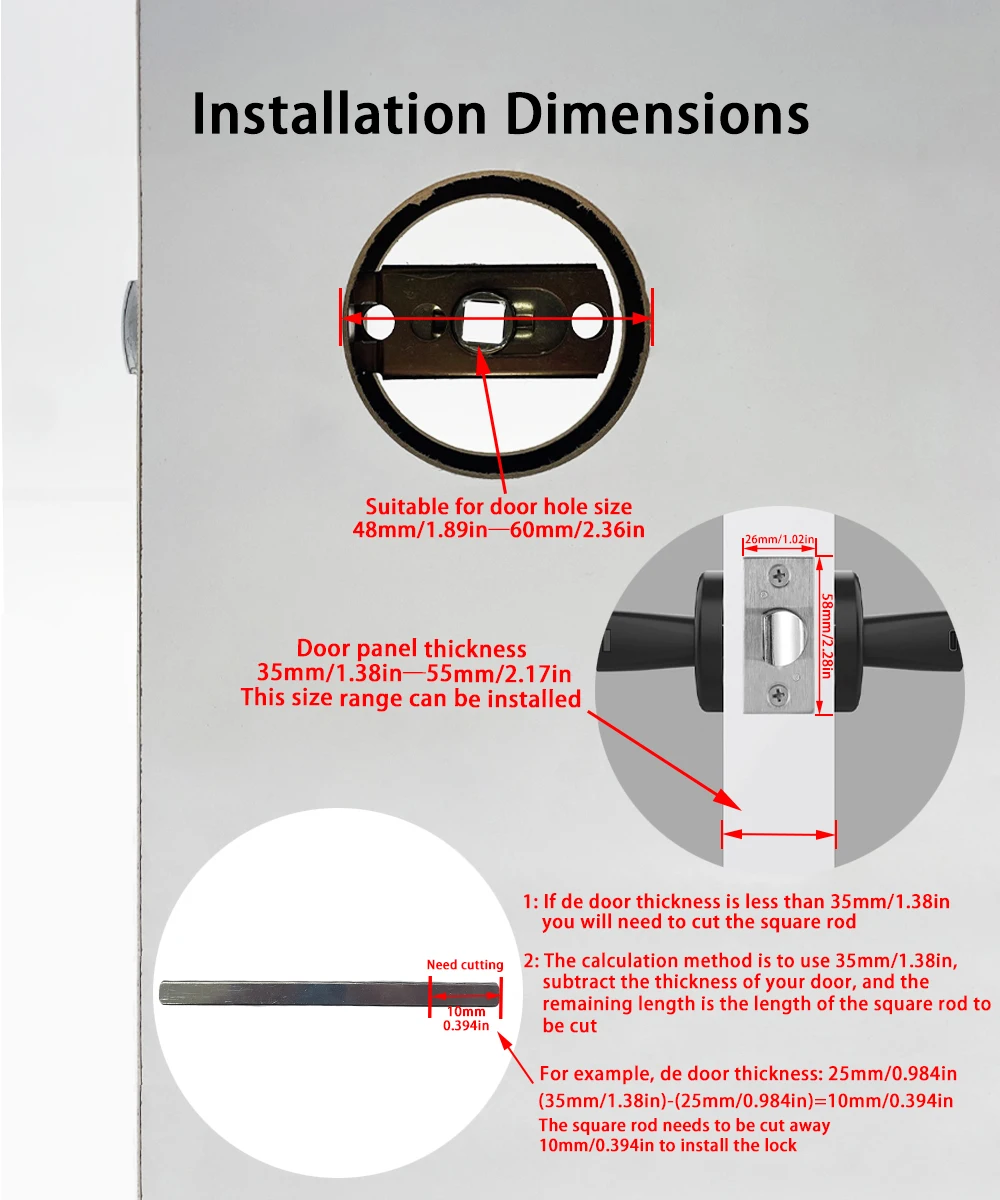
Fit & Dimensions
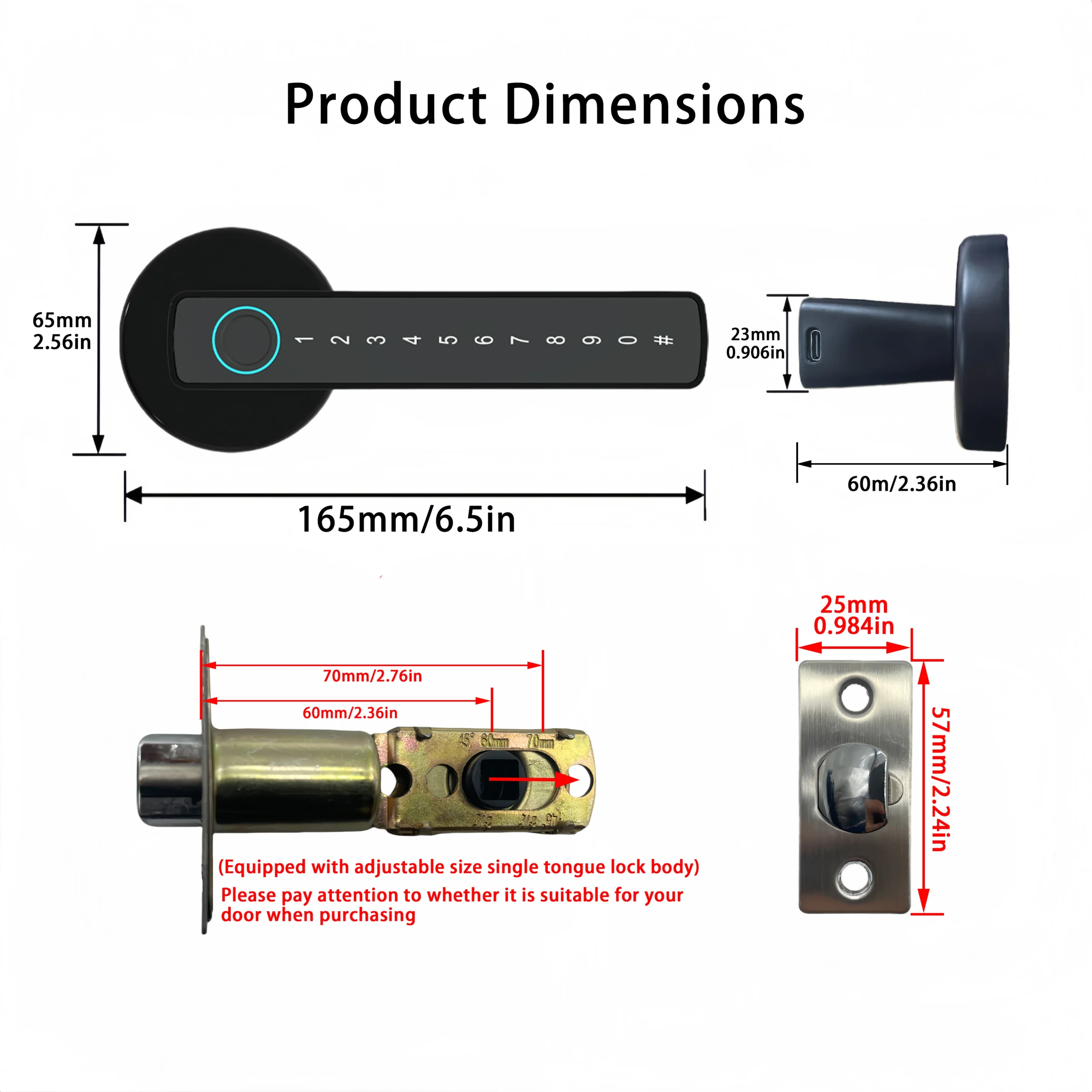
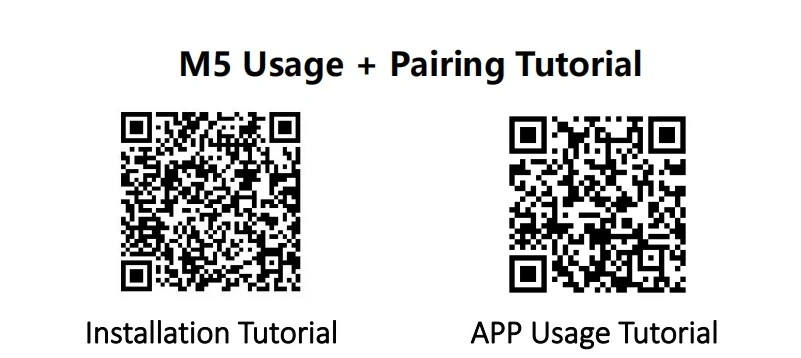
Installation (summary)

- Remove the old handle and 60/70 mm latch.
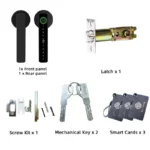
- Fit the supplied latch and strike plate.
- Mount the inner/outer panels, insert the square spindle and tighten the screws.
- Insert 4×AAA, initialise, then enrol fingerprints/PINs/cards in the Tuya app.
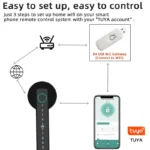
- Plug in the BLE→Wi-Fi gateway (USB 5 V), link it to your Tuya account and pair the lock (keep within ~8 m).
Tip: if your door is <35 mm thick, trim the square spindle as shown in “Installation Dimensions”.
Tuya app & Wi-Fi Gateway (remote features)
- Local via Bluetooth: lock/unlock nearby, add users, change settings.
- Remote (with Gateway): create one-time or time-limited PINs, manage users, view unlock logs and receive notifications.
- Place the USB BLE→Wi-Fi gateway within ~8 m of the lock and connect to 2.4 GHz Wi-Fi; then link it in the Tuya app.
- No subscription. Fingerprint/PIN/IC still work without Internet.